What happened
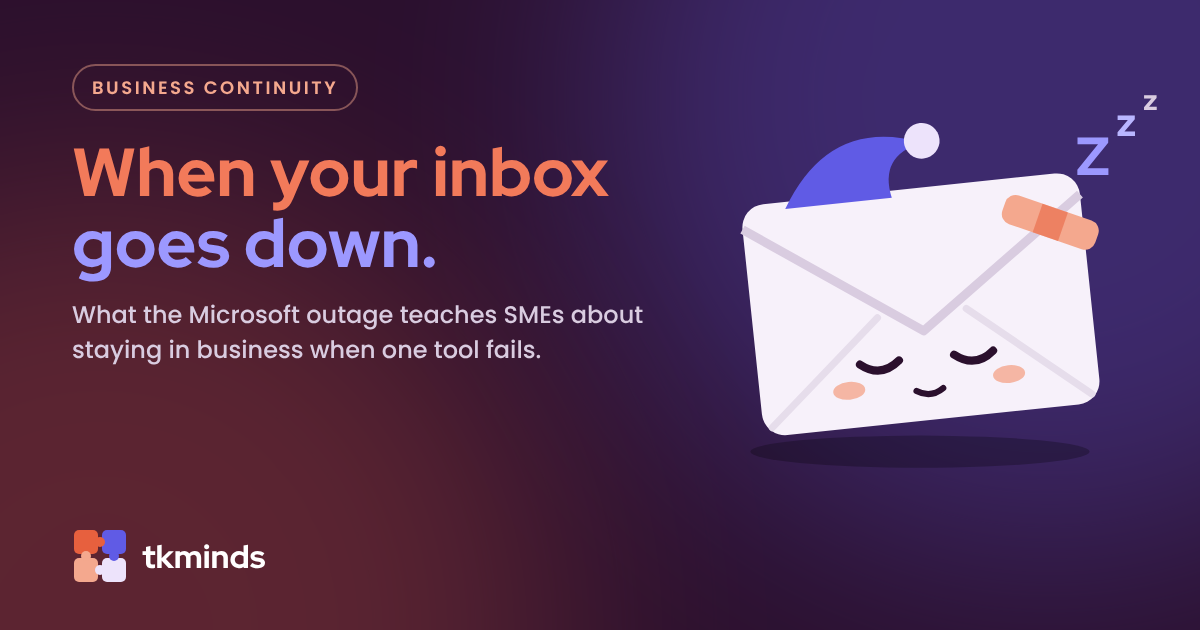
On Thursday, 12 November 2026, around 16:00 GMT, people around the world suddenly couldn’t open Outlook. Within an hour, users in more than 70 countries were reporting problems. Teams and Copilot were disrupted too, and government offices in several countries felt the impact.
The disruption lasted more than a day. Microsoft later said the cause was a technical issue — not a cyberattack — introduced during an earlier network capacity upgrade and triggered by a later network change. Some servers failed, the remaining ones were overloaded, and restored servers kept falling over again before full service came back.
For many companies, that meant a day without email, delayed customer replies and stalled internal work. And this was not the first major Microsoft 365 disruption in 2026.
The point of this article isn’t to blame Microsoft. Every cloud provider has outages. The real question is: what happens to your business when one tool you depend on stops working?
Why this matters for SMEs
Large enterprises usually have IT teams, incident plans and backup channels. Small and mid-size companies often don’t — and they tend to run almost everything through one provider: email, calendar, chat, files, sign-in, and increasingly AI assistants too.
That convenience creates a single point of failure. When the provider has a bad day, everything stops at once:
- Customers can’t reach you, and you can’t reach them
- Teams can’t share files or coordinate
- Automations that depend on email or calendar quietly fail
- Nobody is sure who should decide what to do next
You can’t prevent a provider’s outage. But you can decide in advance how your business keeps working while it lasts.
6 practical steps to stay working during an outage
- Map your critical tools. List the services your business can’t run without for a day — email, phone, CRM, accounting, files, sign-in. Note which provider runs each one. You’ll often find most depend on the same company.
- Set up a backup contact channel. Decide in advance how customers and staff reach you if email is down: a phone number, a WhatsApp Business account, or a status message on your website. Make sure your team knows it.
- Keep critical data reachable elsewhere. Key customer contacts, open orders and important documents should be available outside one cloud account — a regular export or a second storage location is enough.
- Make automations fail loudly. If a workflow depends on email or a connected service, it should alert a person when it fails, not silently drop requests. Check that queued tasks retry when the service returns.
- Decide who decides. Name one person who declares “we’re in outage mode”, tells staff what to use instead, and informs key customers.
- Test it once a year. Spend 30 minutes walking through the plan: “Email is down from 9:00 — what do we do?” You’ll find the gaps before a real outage does.
Where automation and AI help — and where they add risk
Automation and AI can make a business more resilient, but only if they are designed with outages in mind.
Where they help:
- A website assistant can keep answering common customer questions while email is down, and collect requests to follow up later.
- Automated monitoring can spot that a service is failing and alert your team before customers complain.
- Workflows can switch to a backup channel — for example, sending urgent notifications by SMS when email isn’t working.
Where they add risk:
- Every AI tool and integration that runs on the same provider adds to the same single point of failure. During this outage, other companies’ AI services were affected too.
- Automations that fail silently can lose orders or requests without anyone noticing.
- Tools nobody fully understands are hard to fix under pressure.
The rule of thumb: for every important automation, know what it depends on and what happens when that dependency is gone.
A one-page outage plan you can copy
You don’t need a thick manual. Fill in this table with your team and keep it somewhere everyone can reach — including offline.
| If this goes down | Who decides | What we use instead | Who we tell |
|---|---|---|---|
| Managing director | Phone + WhatsApp Business; website notice | Staff, key customers | |
| Team chat | Team lead | Phone group / messaging app | Staff |
| Shared files | Operations lead | Last export or second storage location | Staff working on open projects |
| CRM / customer data | Sales lead | Exported contact list | Sales team |
| Website or online booking | Operations lead | Phone bookings; social media notice | Customers |
Adapt the rows to your own tools. The most important part is that the decisions are made before the outage, not during it.
How TkMinds helps
At TkMinds we help small and mid-size companies build digital operations that keep working when one tool doesn’t:
- Tool and dependency review — we map which systems your business relies on and where the single points of failure are
- Resilient automations — workflows that retry, alert a person and switch channels instead of failing silently
- AI assistants with fallbacks — so customers still get answers when your inbox is down
- Fractional CTO support — a senior technical lead to set up and test your outage plan
Want to know how your business would cope with a day without email? Book a free 15-minute call and we’ll help you find your biggest risk: tkminds.com/contact